If you have spent any significant time playing online poker, you have likely heard the name PokerTracker 4 whispered in Discord chats and discussed around virtual poker tables. As a long-time online grinder, I’ve used almost every piece of HUD (Heads-Up Display) software on the market, from the lightweight basics to the overly complex analytical suites.
When I first installed PokerTracker 4 (PT4), I was skeptical. I wondered if a tool this powerful could actually help me make better decisions, or if it would just be another layer of “data noise” distracting me from the game. After hundreds of hours of hands tracked and thousands of dollars in tournament entries, I’ve realized that PT4 isn’t just a tracker; it is an essential piece of a professional player’s arsenal.
In this comprehensive PokerTracker 4 review, we will dive deep into its features, its learning curve, and whether the investment is worth your bankroll.
What is PokerTracker 4? Understanding the Power of Hand History Tracking
At its core, PokerTracker 4 is a powerful hand history analysis tool designed for serious poker players. Unlike simple HUDs that only show you statistics while you are sitting at a table, PT4 acts as a massive database of every single hand you have ever played online.
The software works by “reading” the hand histories generated by your poker client (such as PokerStars, 888Poker, or GGPoker). It then parses that data into a searchable, highly detailed database. This allows you to perform post-game analysis that is impossible with the naked eye.
The Difference Between a HUD and a Tracker
Many beginners confuse a HUD with a tracker.
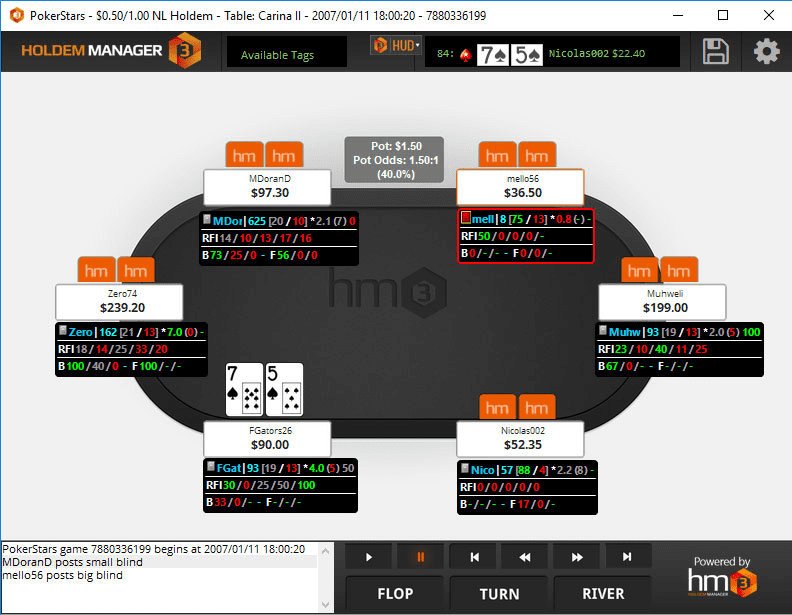
- The HUD (Heads-Up Display): This is the overlay on your screen that shows opponent stats like VPIP, PFR, and Aggression. It helps you make real-time decisions.
- The Tracker: This is the deep-dive analytical engine. It allows you to look back at a hand from three weeks ago and see exactly how a specific player reacts to a 3-bet out of position.
Key Features: Putting PokerTracker 4 to the Test
I spent my first week with PT4 strictly focusing on the “Replayer” feature. I wanted to see if I could use it to study my own mistakes.
The Hand Replayer: Your Personal Poker Coach
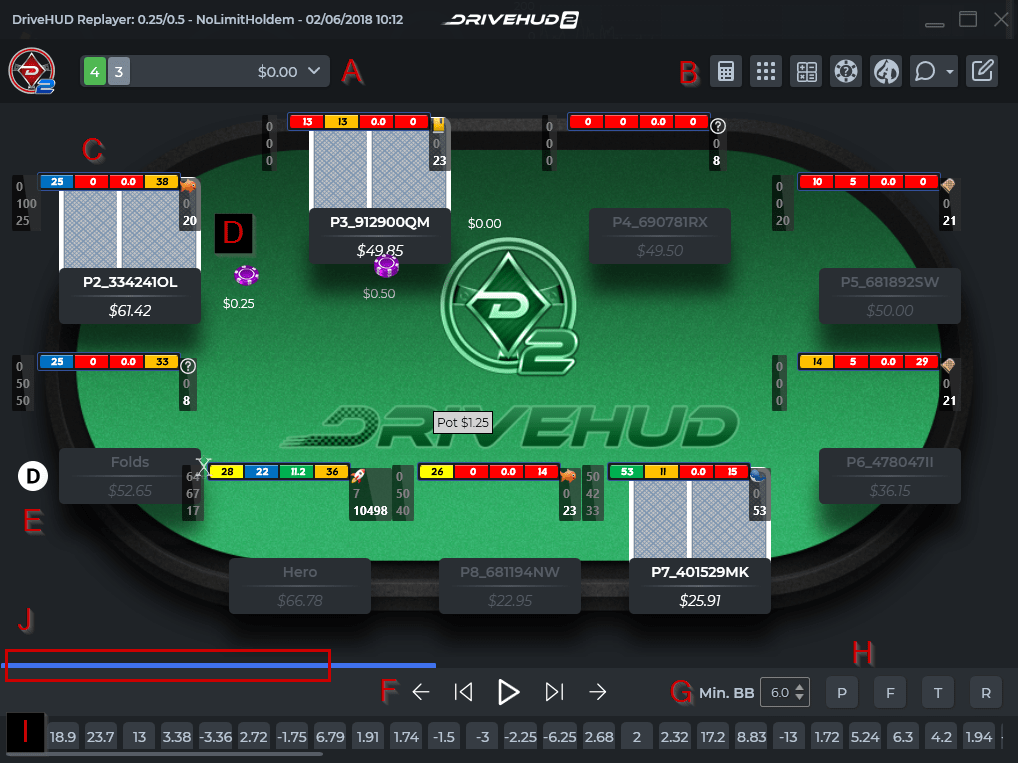
The Hand Replayer is, in my opinion, the most underrated feature of the software. It allows you to replay any hand from your database as if you were watching a live broadcast.
During my testing, I used this to analyze my “big pot” losses. I could see exactly where my sizing went wrong and whether I was misreading the board texture. For players looking to improve their post-flop play, this feature is worth the price of admission alone.
Advanced Database Searching and Filtering
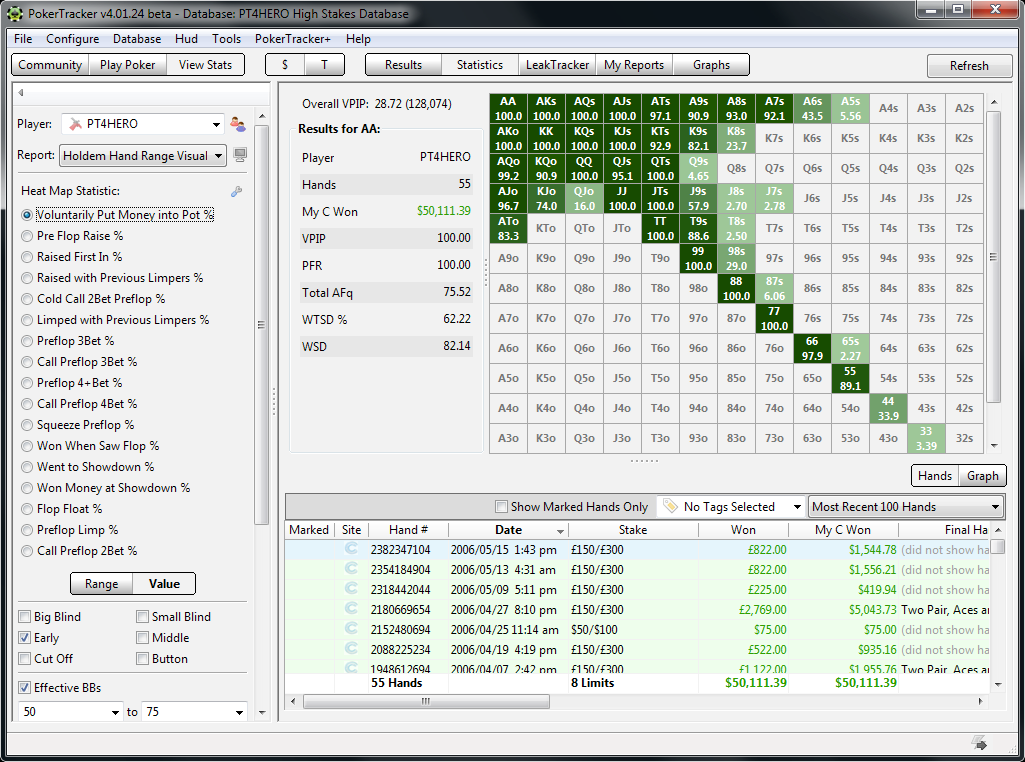
This is where PT4 separates itself from the competition. You can run incredibly specific queries. For example, I once ran a report to see: “How much money did I lose when calling a 3-bet with Pocket Jacks out of position?”
The software provided the answer in seconds. This level of granular detail allows you to identify “leaks” in your game—those small, repetitive mistakes that drain your bankroll over time.
Customizable HUDs for Different Game Types
One size does not fit all in poker. A HUD designed for 6-max No Limit Hold’em is useless when you are playing Pot Limit Omaha (PLO).
PT4 allows for deep customization. I have created specific profiles:
- A “Tight” Profile: For observing recreational players and identifying their tendencies.
- An “Aggressive” Profile: For analyzing high-stakes reg battles.
- A “Study” Profile: Focused on my own statistics to track my progress.
Real-World Performance: The Learning Curve and System Impact
I have to be honest: PokerTracker 4 is not “plug and play” for everyone. If you are a casual player who plays one hand of poker a week, the interface might feel overwhelming.
The Interface and User Experience (UX)
The UI is dense. It is packed with tabs, windows, and complex statistical notation. When I first opened the Report tab, I felt like I was looking at an Excel spreadsheet designed by NASA. However, once you understand the logic of how the data is categorized, it becomes incredibly intuitive.
Hardware Requirements and Lag
One common concern is whether PT4 will slow down your poker client. During my testing on a mid-range laptop, I noticed a slight increase in CPU usage during heavy hand-parsing sessions. However, once the database was updated, the actual gameplay remained smooth. If you are playing on an older machine, I recommend ensuring you have at least 8GB of RAM and an SSD to handle the database reads.
Pros and Cons: A Transparent Look
No software is perfect. To give you a balanced view, here is my breakdown of what works and what doesn’t.
Pros
- Unmatched Analytical Depth: No other tool provides this level of post-game scrutiny.
- Customization: The ability to create your own HUD profiles is a game-changer for multi-discipline players.
- Error Correction: The “Leak Finder” capabilities allow you to mathematically prove where you are losing money. Lack of real-time “auto-decision” making (it’s an analytical tool, not a bot).
- Long-term Value: The software is a one-time purchase (with optional updates), making the ROI extremely high for regular players.
Cons
- Steep Learning Curve: It takes time to master the reporting features.
- Resource Intensive: Can be heavy on CPU during large database updates.
- Data Entry Complexity: Setting up your hand history paths correctly can be frustrating for beginners.
The Verdict: Should You Buy PokerTracker 4?
So, who is PokerTracker 4 actually for?
Buy it if:
- You are a regular online poker player looking to turn a hobby into a profitable endeavor.
- You enjoy studying your game and analyzing statistics.
- You play in high-volume environments where small edges matter.
Skip it if:
- You only play very occasionally (the cost may not justify the use).
- You prefer a purely “instinctual” game and dislike looking at spreadsheets.
Final Thought: After 500 hours of usage, I can confidently say that PokerTracker 4 is an essential tool for anyone serious about the game. It transforms poker from a game of “feeling” into a game of “math.” While the learning curve exists, the edge it provides in identifying your mistakes is unparalleled.
Try PokerTracker 4 Today
Ready to take your game to the next level? Click below to get started with PokerTracker 4:
Visit PokerTracker 4 Official Website →
Disclosure: This post contains affiliate links. If you click through and make a purchase, we may earn a commission at no extra cost to you. We only recommend tools we genuinely believe will help improve your game.