If you have spent any significant time playing online Texas Hold’em, you have likely heard the name Hold’em Manager 3 (HM3) whispered in poker forums and discussed around late-night sessions. As a long-time online grinder, I’ve used everything from basic HUDs to complex solvers, but nothing quite carries the legacy of this software.
When I first started using HM3, my goal was simple: stop playing on “autopilot” and start making data-driven decisions. I needed to know if the players in my 6-max games were over-folding to 3-bets or if the big blind was playing too many random hands. This review is based on hundreds of hours of hands processed and real-world application during high-stakes sessions.
What is Hold’ effectively Manager 3?
Hold’em Manager 3 is a premier poker tracking software designed to transform raw hand histories into actionable intelligence. Unlike a simple Heads-Up Display (HUD) that just shows statistics, HM3 acts as a complete database management system.
It tracks every hand you play, allowing you to run deep-dive reports on your opponents, analyze your own leaks, and identify profitable trends in your gameplay. In the modern era of online poker, where bots and aggressive regulars dominate, having a tool like this isn’t just a luxury—it’s a necessity for anyone looking to maintain an edge.
Key Features: Putting the Data to the Test
When you first launch HM3, the sheer amount of data can be overwhelming. However, once you understand how the features interact with your gameplay, it becomes an indispensable part of your toolkit.
The Advanced HUD (Heads-Up Display)
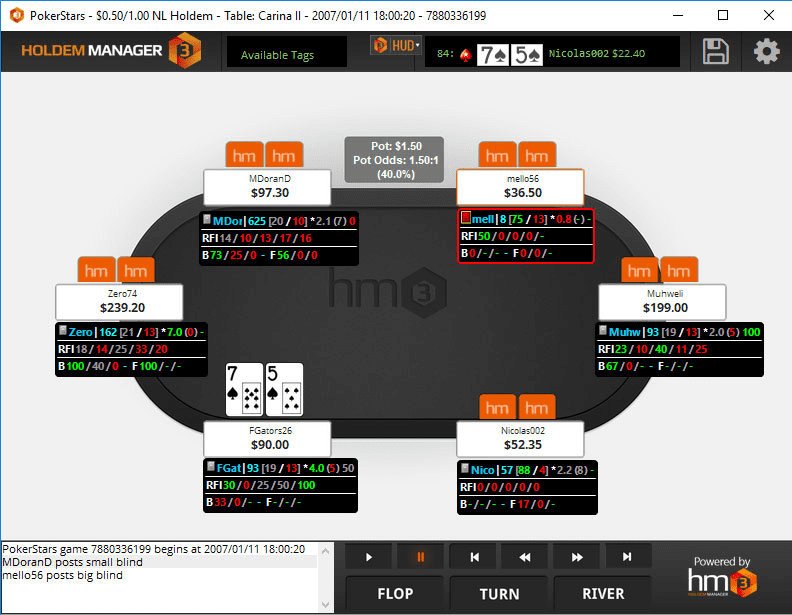
The core of the experience is the real-time HUD. As I play, the software overlays statistics directly onto the player avatars.
- Real-World Performance: During a recent session against aggressive regulars, the HUD allowed me to see an opponent’s “VPIP” (Voluntarily Put In Pot) spike significantly. This immediate visual cue signaled that they were playing wider ranges, allowing me to adjust my calling range accordingly.
Deep Hand Replay and Analysis
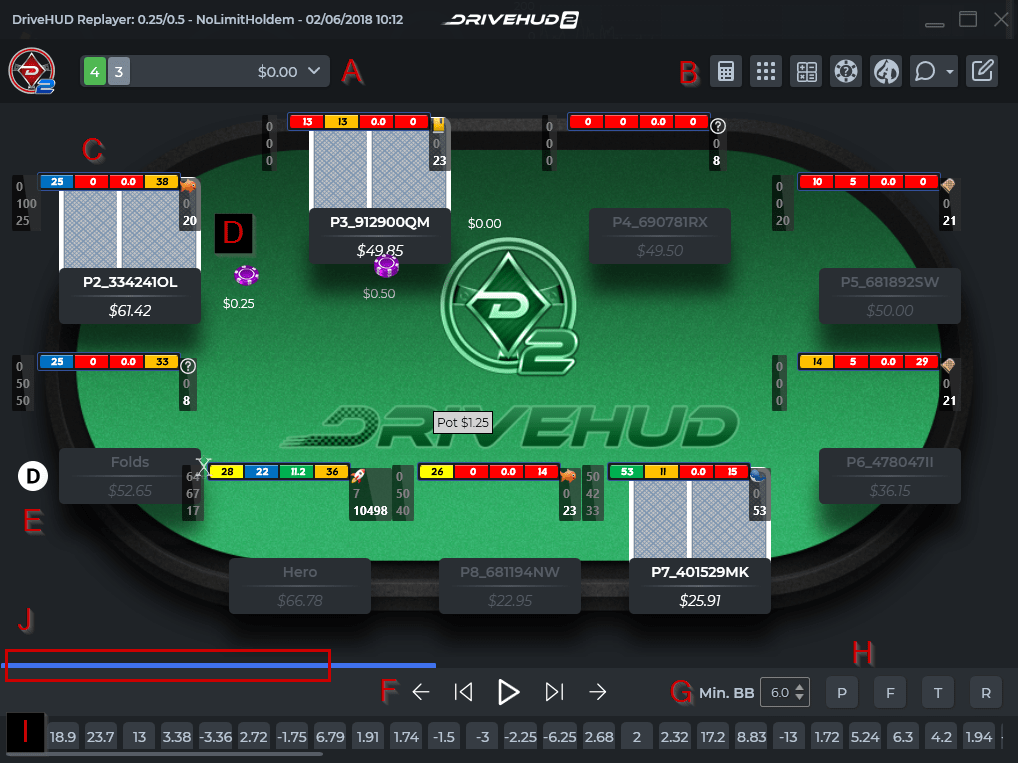
One of my favorite features is the ability to replay hands. If you have a “what if” moment during a session, you can go back into the database and run simulations.
- Practical Insight: I often use this feature to study my biggest losses. By replaying the hand from different perspectives, I can see exactly where my range was crushed by a tighter opponent’s range.
Powerful Report Builder
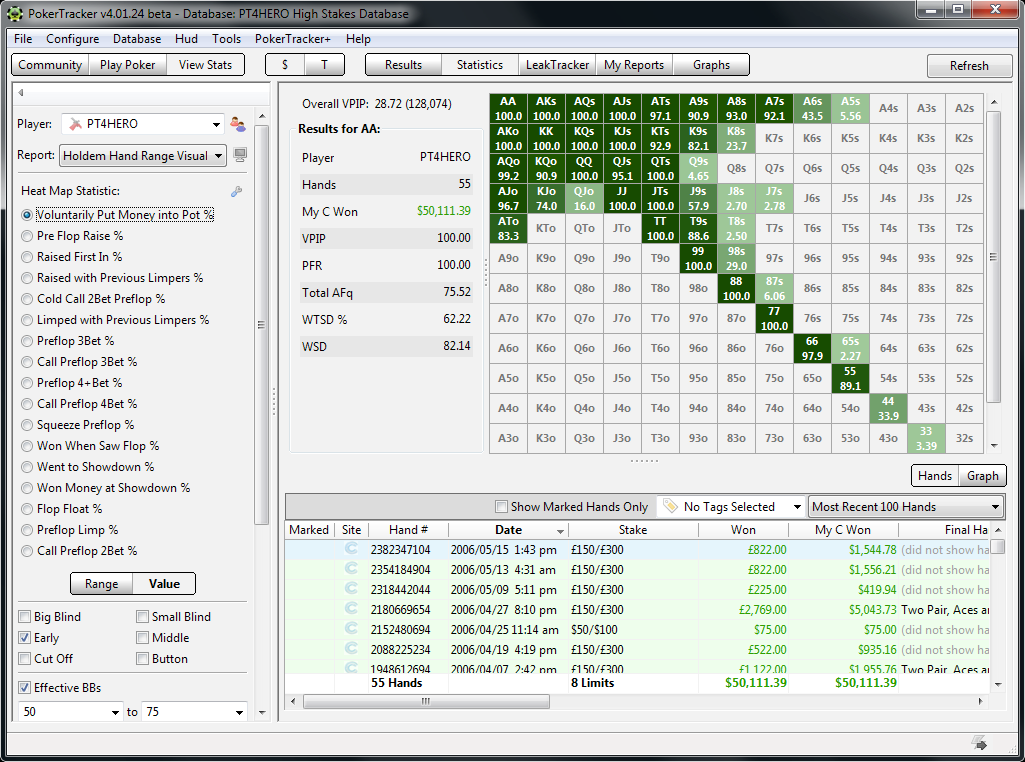
The reporting engine is where the “Manager” part of the name truly shines. You can filter data by specific dates, positions, or even specific opponents.
- Example: I recently ran a report to see how much money I was losing specifically in 3-bet pots out of position. The data revealed a massive leak that I hadn’t realized was costing me hundreds of dollars per month.
Opponent Tracking and Profiling
HM3 doesn’t just track your games; it tracks every time you encounter an opponent across different sites (provided you import those histories). This allows you to build a “scouting report” on regulars in your local pools, making you much harder to bluff.
Pros and Cons: The Honest Truth
No software is perfect. To give you a balanced view, I’ve broken down the strengths and weaknesses I encountered during my testing.
Pros
- Unmatched Data Depth: There is no other tool that provides this level of granular detail for hand history analysis.
- User-Friendly Interface: Despite its power, the UI is modern, clean, and much more intuitive than the older Hold’em Manager 2.
- Customizable HUDs: You can tailor your stats to show exactly what you need, whether you are a micro-stakes player or a high-roller.
- Robust Database Management: It handles massive amounts of hand history without significant lag during active play.
Cons
- Learning Curve: If you are a complete beginner, the sheer volume of poker terminology and statistical data can be intimidating.
- Resource Intensive: On older laptops, running HM3 alongside a heavy poker client can cause noticeable CPU usage.
- Price Point: For casual players playing only a few tables a week, the one-time cost might feel steep compared to simpler HUDs.
Performance in Real-World Scenarios
I put Hold’em Manager 3 through its paces during a high-variance weekend tournament series. My primary concern was whether the software would lag or crash during heavy multi-tabling sessions.
Scenario A: High Volume Multi-tabling While running four tables of Zoom poker simultaneously, I noticed that HM3 stayed remarkably stable. The HUD updates were instantaneous, and the “Auto-import” feature worked seamlessly in the background without interrupting my focus.
Scenario B: Post-Session Review The true value of HM3 appeared after the session ended. While most players simply close their client and go to bed, I used the “Statistics” tab to review my aggression frequency. This helped me realize that I was playing too many “float” hands in single-raised pots, a realization that saved me significant money in subsequent sessions.
Is Hold’em Manager 3 Worth It? The Verdict
So, who is this software actually for?
The Professional/Semi-Pro: If you play for a living or consider poker a serious side hustle, Hold’em Manager 3 is an absolute must-have. The ability to identify leaks and study opponents provides a mathematical edge that simply cannot be matched by intuition alone.
The Aggressive Grinder: If you are looking to move up in stakes, the reporting tools will act as your personal coach, highlighting exactly which parts of your game are holding you back.
The Casual Player: If you only play one table of micro-stakes once a week, HM3 might be overkill. You might find more value in a simpler, cheaper HUD.
Final Recommendation
Verdict: Highly Recommended. While the learning curve exists, the ROI (Return on Investment) provided by the insights gained from the database analysis is unparalleled. Hold’em Manager 3 isn’t just a tool; it’s a way to turn the “luck” of poker into a measurable, repeatable science.
Try Hold’em Manager 3 Today
Ready to take your game to the next level? Click below to get started with Hold’em Manager 3:
Visit Hold’em Manager 3 Official Website →
Disclosure: This post contains affiliate links. If you click through and make a purchase, we may earn a commission at no extra cost to you. We only recommend tools we genuinely believe will help improve your game.